What Is Browser Fingerprinting?A Technical Explanation
Univex Team
6 min read
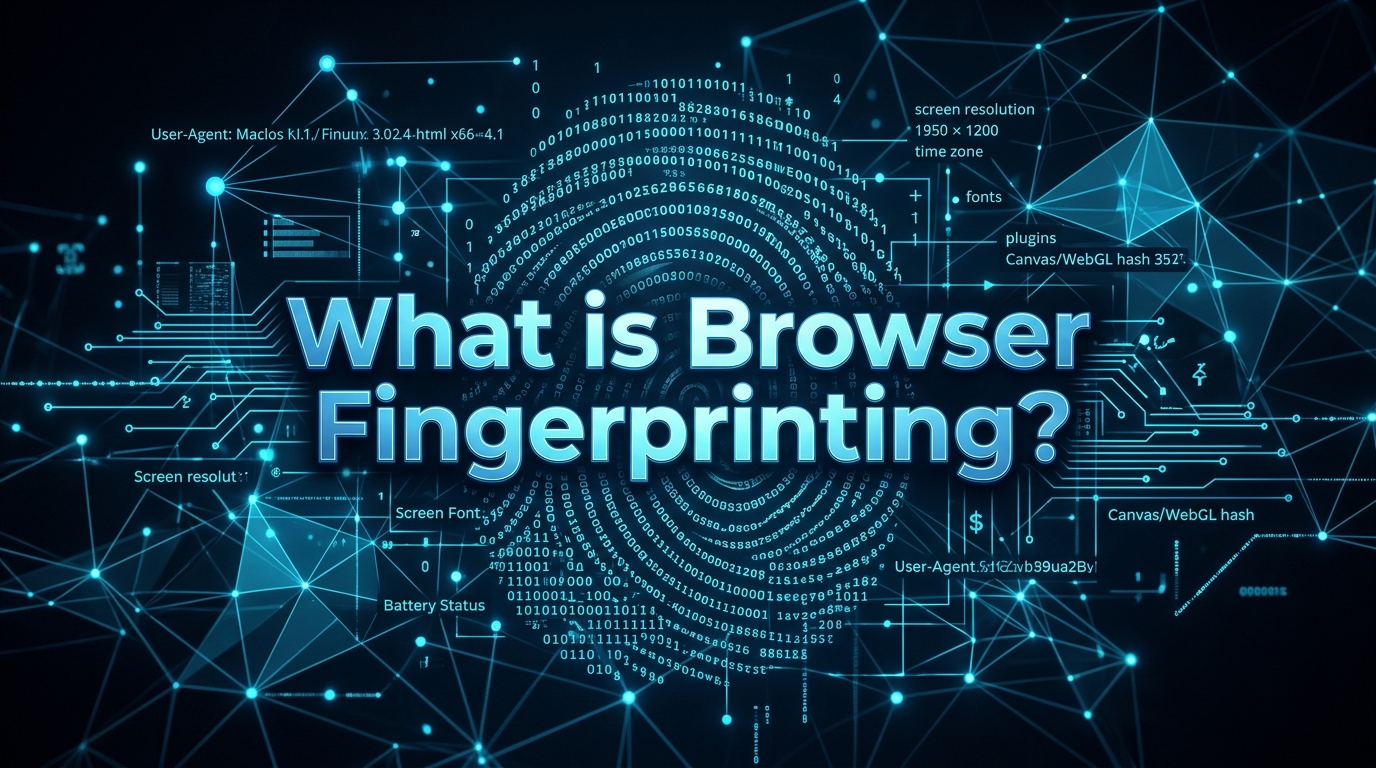
For years, internet privacy was synonymous with deleting cookies. But the tracking industry evolved. Today, deleting your cookies to stay anonymous is like changing your shirt while leaving your DNA at the crime scene. Welcome to the era of browser fingerprinting.
The End of Stateful Tracking
Cookies, LocalStorage, and IndexedDB are "stateful" tracking mechanisms. The server hands your browser a unique ID, and your browser stores it. When you return, the browser hands it back. It requires your consent (or at least your browser's compliance) to store that state.
Fingerprinting is stateless. It doesn't ask to store anything on your hard drive. Instead, it aggressively queries your browser for highly specific environmental variables. It asks for your screen resolution, your operating system, your GPU model, the exact fonts installed on your machine, your timezone, and how your specific graphics card renders a hidden 3D object.
The Math of Identity: Entropy
Individually, these data points are harmless. Millions of people use Windows. Millions use Google Chrome. Millions have a 1920x1080 monitor.
But the mathematical concept of entropy dictates that as you combine these variables, the probability of another user having your exact combination drops to near zero. If you are using Windows, Chrome, a 1920x1080 monitor, with a specific Nvidia RTX 3080 driver, 24 installed fonts, a specific audio buffer rendering offset, and a GMT+4 timezone... you are entirely unique. Out of billions of internet users, that specific combination belongs only to you.
The tracking script takes all of these environmental variables, concatenates them into a single string, and runs them through a hashing algorithm (like MurmurHash3). The output is your fingerprint hash. No matter if you use a VPN or incognito mode, that hash remains identical.
The Canvas Fingerprinting Vector
The most notorious technique is Canvas Fingerprinting. A script instructs your browser to draw a hidden 2D graphic containing specific text and shapes. Because every graphics card, operating system, and font-rendering engine calculates anti-aliasing and sub-pixel rendering slightly differently, the resulting image is microscopically unique at the pixel level. The script then extracts this image data via HTMLCanvasElement.toDataURL() and hashes it. Instant identification.
Spoofing vs. Noise: The Antidetect Dilemma
When developers try to defeat fingerprinting, their first instinct is to block the APIs or spoof them with fake data. They write a browser extension that intercepts the Canvas API and returns a random string.
This is a fatal mistake. Advanced anti-fraud systems like BrowserScan or Cloudflare Turnstile aren't just looking for a unique hash; they are looking for mathematical consistency. If your user-agent says you are on a Mac, but your WebGL renderer reports a Windows-only DirectX driver, you are instantly flagged as a bot or fraudster.
True fingerprint protection doesn't involve blocking data—it involves injecting mathematically consistent noise into the hardware rendering pipeline itself. This is why standard proxy extensions fail, and why specialized environments like Univex are required to operate at scale.
Control Your Digital Entropy
Stop relying on cookie deletion. Use Univex to inject mathematically consistent noise and protect your identity at scale.
Start Free Trial Now